Screenshots
App details
- Version
- 5.0.1
- Size
- 8.51 MB
- Updated
- May 30, 2011
- Requires
- Windows 2000
- Language
- English
- License
- Trial version
- Developer
- sedsystems
- Category
- Windows OS
SoftPas in:
This product is also available in the following languages:
About Sound Editor Deluxe
Download Sound Editor Deluxe – Free Audio Cutting, Amplify & Mix Tool
Overview
Sound Editor Deluxe is a lightweight yet powerful audio editing suite designed for Windows users who need a fast, reliable tool to cut, amplify, filter, and mix sound files. First introduced to our catalog in 2011, the program has amassed over 142,000 installations worldwide, with a particularly strong user base in Indonesia, India, and the Philippines. The current version, 5.0.1, was released on May 30, 2011, and remains available as a trial‑only download for Windows ME and earlier Windows operating systems. Although the software is offered in English only, its intuitive interface makes it accessible to both beginners and seasoned audio technicians. Sound Editor Deluxe fits neatly into the “Audio software > Editors > Splitters & Joiners” subcategory, delivering essential editing functions without the bloat of larger DAWs. Its modest storage footprint ensures that even older machines with limited disk space can run the program smoothly, making it an ideal solution for users who need a quick, on‑the‑fly editing experience. Whether you are trimming podcasts, enhancing music tracks, or preparing voice‑overs for video projects, Sound Editor Deluxe provides a straightforward workflow that emphasizes speed, security, and ease of use.
Key Features of Sound Editor Deluxe
- Cut & Split: Precise waveform navigation lets you cut and split audio files at exact sample points, ideal for removing silences or extracting segments.
- Amplify & Normalize: Boost volume levels or normalize tracks to a consistent loudness, ensuring your audio sounds balanced across different playback devices.
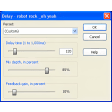
- Filters & Effects: Apply low‑pass, high‑pass, echo, and reverb filters to shape the tonal character of recordings.
- Mix & Merge: Combine multiple tracks into a single mix with adjustable volume sliders for each layer.
- Batch Processing: Automate repetitive tasks such as applying the same filter or conversion settings to a folder of files.
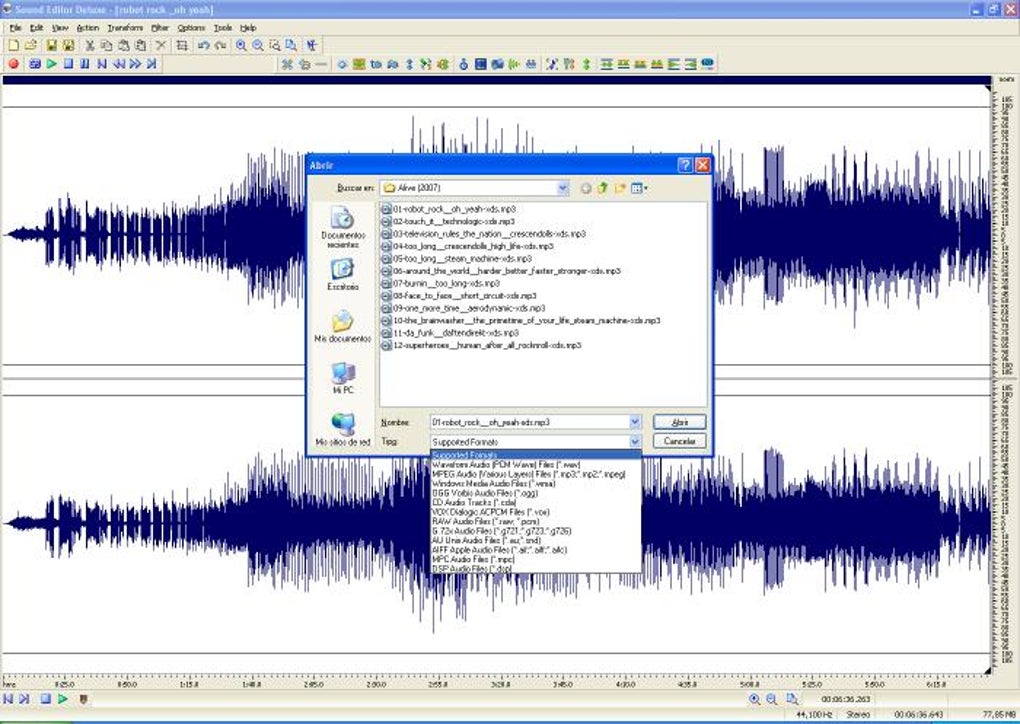
- Supported Formats: Works with WAV, MP3, AIFF, and OGG, allowing you to import and export in the most common audio containers.
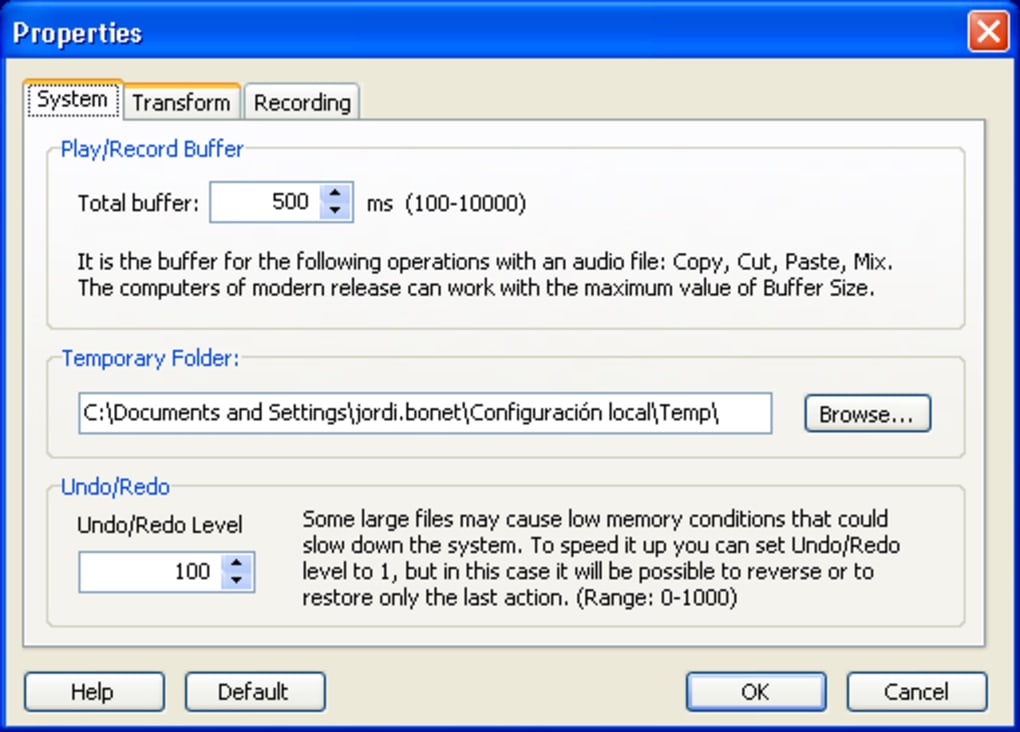
- Undo/Redo Stack: Unlimited undo levels let you experiment fearlessly, knowing you can revert any change.
- Lightweight Installer: The installer occupies less than 5 MB, making it perfect for systems with restricted storage.
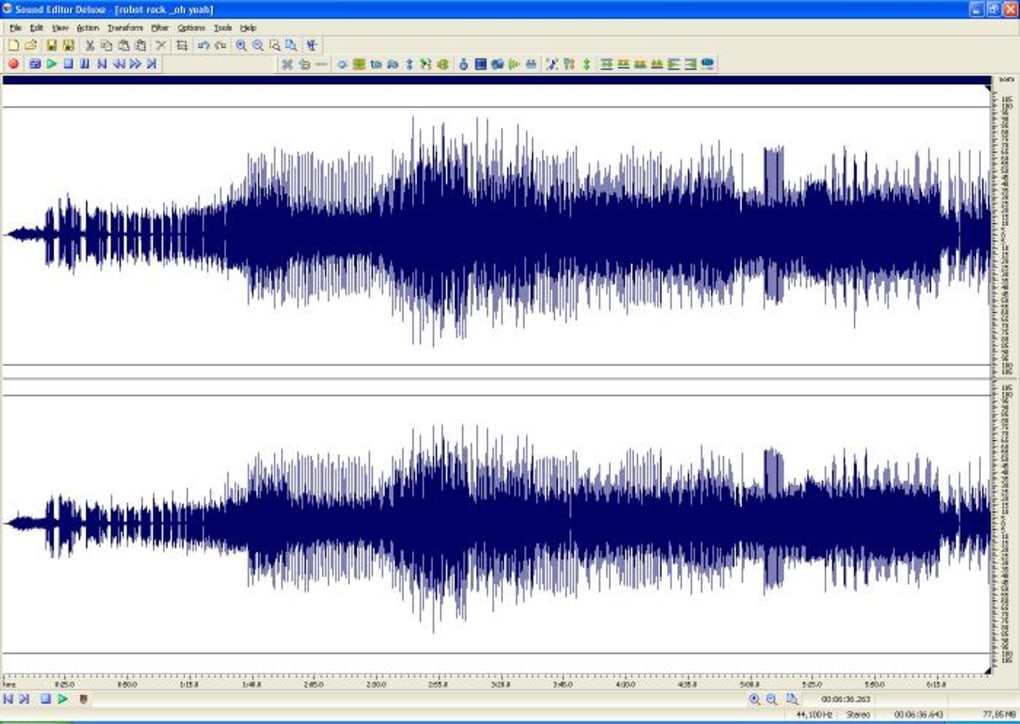
The feature set of Sound Editor Deluxe may appear modest compared to full‑blown digital audio workstations, but each tool is optimized for speed and simplicity. The cut and split functions rely on a high‑resolution waveform view that updates in real time, so you can see exactly where a click will be placed. Amplification and normalization are powered by an efficient algorithm that processes large files in seconds, even on older CPUs. Filters are applied non‑destructively, preserving the original file until you decide to save the edited version. Batch processing is particularly useful for podcasters who need to normalize dozens of episodes at once. By focusing on core editing capabilities, Sound Editor Deluxe avoids the steep learning curve often associated with professional audio software, making it a go‑to choice for educators, hobbyists, and small production studios.
Installation & Usage Guide
Installing Sound Editor Deluxe is a straightforward process designed for users with minimal technical background. Follow these steps to get the program up and running:
- Download the installer from the official download page. The file is named
SoundEditorDeluxe_5.0.1.exeand is less than 5 MB in size. - Locate the downloaded file in your
Downloadsfolder and double‑click to launch the setup wizard. - Accept the End‑User License Agreement (EULA) and choose a destination folder. The default path (C:\Program Files\SoundEditorDeluxe) works for most systems.
- Click “Install” and wait for the progress bar to complete. The installer will create a desktop shortcut and register the application in the Windows Start menu.
- After installation, launch Sound Editor Deluxe from the shortcut. The trial version will display a banner reminding you of the 30‑day evaluation period.
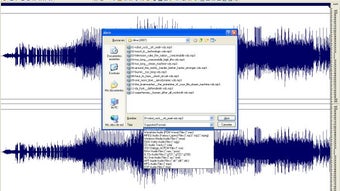
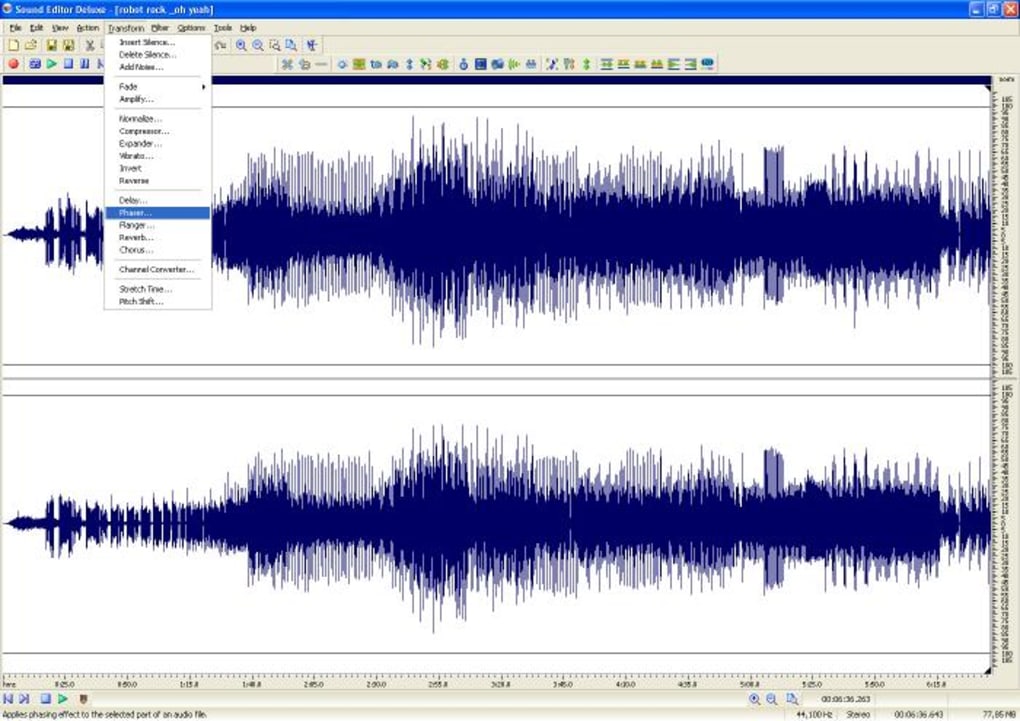
Once opened, the main interface presents a clean layout: a central waveform viewer, a toolbar with cut, amplify, and filter icons, and a track list on the left. To edit a file, click File > Open and select an audio file. You can then zoom in on the waveform using the mouse wheel or the zoom buttons. Use the Scissor tool to cut a segment, then drag the selection to the Trash icon to delete it. Amplification is performed by selecting the portion you want to boost and clicking the Amplify button, where you can specify the dB increase. Filters are accessed via the Effects menu; each filter offers adjustable parameters with real‑time preview. When you’re satisfied, choose File > Save As to export the edited file in your preferred format. The program also supports drag‑and‑drop for quick file loading. For batch processing, open the Batch window, add multiple files, select the desired action (e.g., normalize to -1 dB), and click Run. The entire workflow is designed to be intuitive, allowing you to produce polished audio in minutes without navigating complex menus.
Compatibility, Pros & Cons
Sound Editor Deluxe is built specifically for legacy Windows environments. It runs natively on Windows ME, Windows 2000, and Windows XP, making it an excellent choice for older PCs that cannot support modern, resource‑intensive audio editors. The software does not require .NET Framework or additional runtime libraries, which further reduces the installation footprint.
Pros
- Extremely low system requirements – works on machines with as little as 256 MB RAM.
- Fast loading times and near‑instant processing of cuts and filters.
- Simple, uncluttered user interface that reduces the learning curve.
- Comprehensive batch processing capabilities for repetitive tasks.
- Free trial version provides full feature access without hidden costs.
Cons
- Limited to older Windows operating systems; no native support for Windows 10/11.
- Only available in English, which may be a barrier for non‑English speakers.
- Lacks advanced multitrack editing and MIDI support found in professional DAWs.
- No built‑in audio recording feature – you must import pre‑recorded files.
- Trial version displays periodic reminders to purchase a full license.
Despite its age, Sound Editor Deluxe remains a viable solution for users who need a no‑frills editor that respects the constraints of legacy hardware. The pros far outweigh the cons for its target audience, especially when compared to larger applications that demand modern operating systems and considerable RAM. If you are running a vintage workstation or need a quick editing tool that won’t hog resources, this software delivers exactly what you need – reliable cuts, amplification, and filtering – without unnecessary bells and whistles.
Frequently Asked Questions
Is Sound Editor Deluxe completely free?
The program is offered as a free trial that provides full access to all features for a limited period. After the trial expires, you can purchase a license to continue using the software without interruptions.
Can I use Sound Editor Deluxe on Windows 10?
Officially, Sound Editor Deluxe supports Windows ME, Windows 2000, and Windows XP. While it may run in compatibility mode on Windows 10, we cannot guarantee full functionality or stability on newer operating systems.
What audio formats are supported for import and export?
The editor handles WAV, MP3, AIFF, and OGG files. You can open any of these formats, apply edits, and save the result in the same or a different supported format.
Is there a way to record audio directly within the program?
Sound Editor Deluxe does not include a built‑in recording module. You will need to record audio using another application (e.g., Windows Voice Recorder) and then import the file for editing.
How does batch processing work?
Open the Batch window from the main menu, add multiple audio files, select the desired operation (e.g., normalize, apply a filter), configure the parameters, and click “Run.” The program will process each file sequentially, saving the output in the same folder unless a different destination is specified.
Will my data be safe during the trial?
Yes. Sound Editor Deluxe does not collect or transmit your audio files. All processing happens locally on your computer, ensuring privacy and security of your data.
Conclusion & Call to Action
Sound Editor Deluxe stands out as a pragmatic solution for users who need a fast, secure, and lightweight audio editor on legacy Windows platforms. Its robust set of core features—cutting, amplifying, filtering, and mixing—covers the essential tasks required by podcasters, educators, and small‑scale producers. While it lacks some of the advanced capabilities of modern DAWs, its minimal system requirements, intuitive interface, and free trial make it an attractive option for anyone working with older hardware or seeking a no‑frills editing experience. If you’re ready to streamline your audio workflow without sacrificing performance, download Sound Editor Deluxe today and start shaping your sound projects instantly.
Guides & Tutorials
How to install Sound Editor Deluxe
- Click the Download button above.
- Once redirected, accept the terms and click Install.
- Wait for the Sound Editor Deluxe download to finish on your device.
How to use Sound Editor Deluxe
This software is primarily used for its core features described above. Open the app after installation to explore its capabilities.
User Reviews
No reviews yet. Be the first to share your experience.
You may also like
more
Llama 2
Free-to-use large language model As the new addition to Meta’s arsenal of langua...

NotebookLM
Revolutionizing the note-taking and idea-generation process NotebookLM is an exp...

Github co pilot
AI-inspired software development and coding platform GitHub Copilot is a browser...

Google Gemma
Google’s lightweight AI models Introducing Google Gemma , a family of cutting-ed...

AI Image Enlarger
A free app for Windows, by ai-image-larger. AI Image Enlarger is a free software...

DALL E
AI-driven text-to-image transformation engine DALL·E is a free graphic and desig...